
Construction takeoffs done in minutes, not days.
Togal.AI is an AI-assisted takeoff software built by estimators for estimators. Our cloud-based platform automatically detects, measures, counts, classifies and compares material quantities on construction documents, so you can get hours of manual work done in seconds.

Built by construction pros, not “tech bros”.













Trusted every day by thousands of professional builders.
Construction Takeoff Software That Does the Measuring For You
Upload your drawings, hit the Togal Button, and watch AI automate the bulk of the repetitive manual work like classifying rooms, counting fixtures, and measuring square footage.
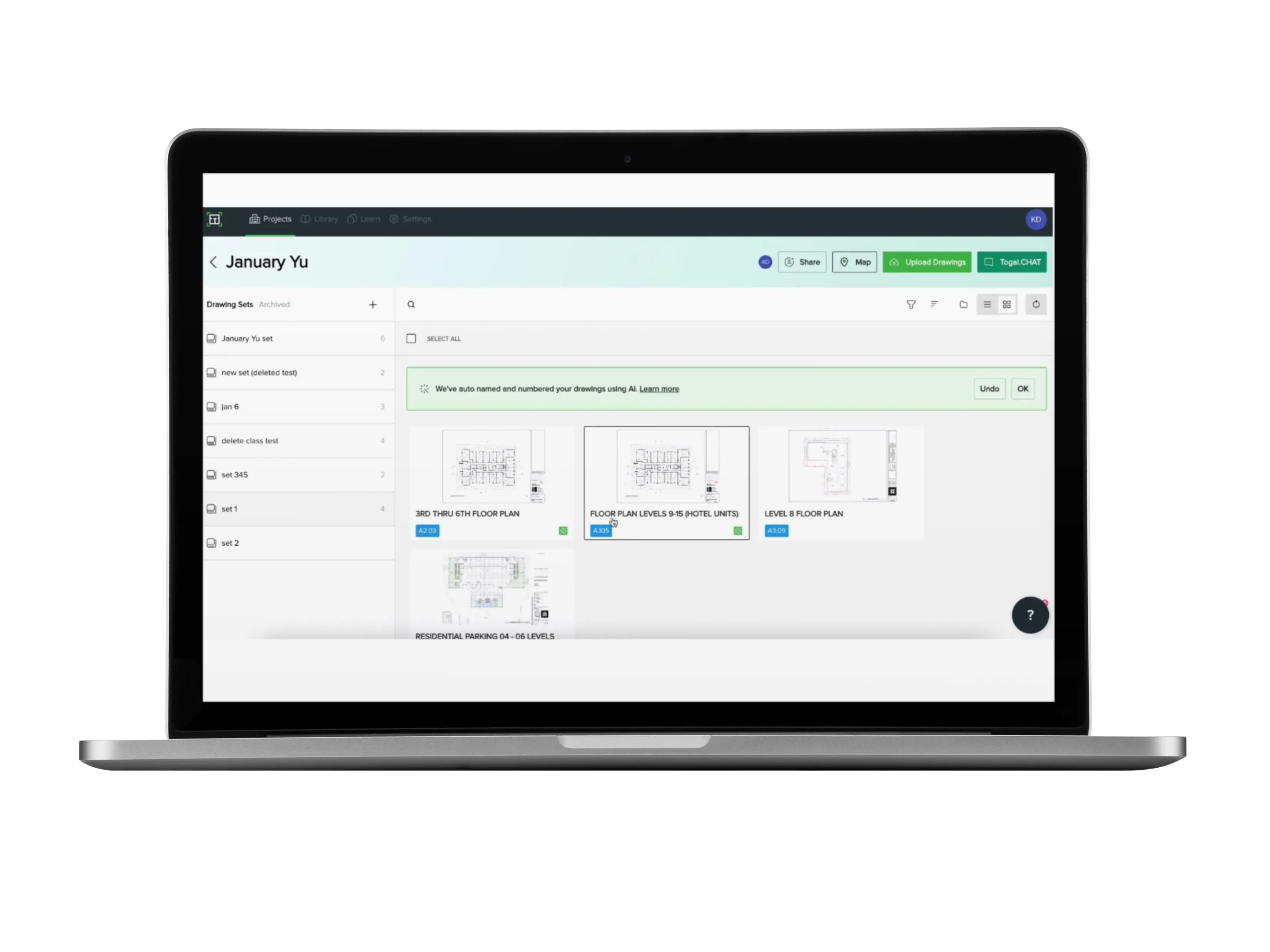
Automated Quantity Takeoff
In a few clicks, Togal reads the drawings in your construction project, detects spaces and features, and returns material quantities for you to review. Whole sets or a single page, it’s your call.
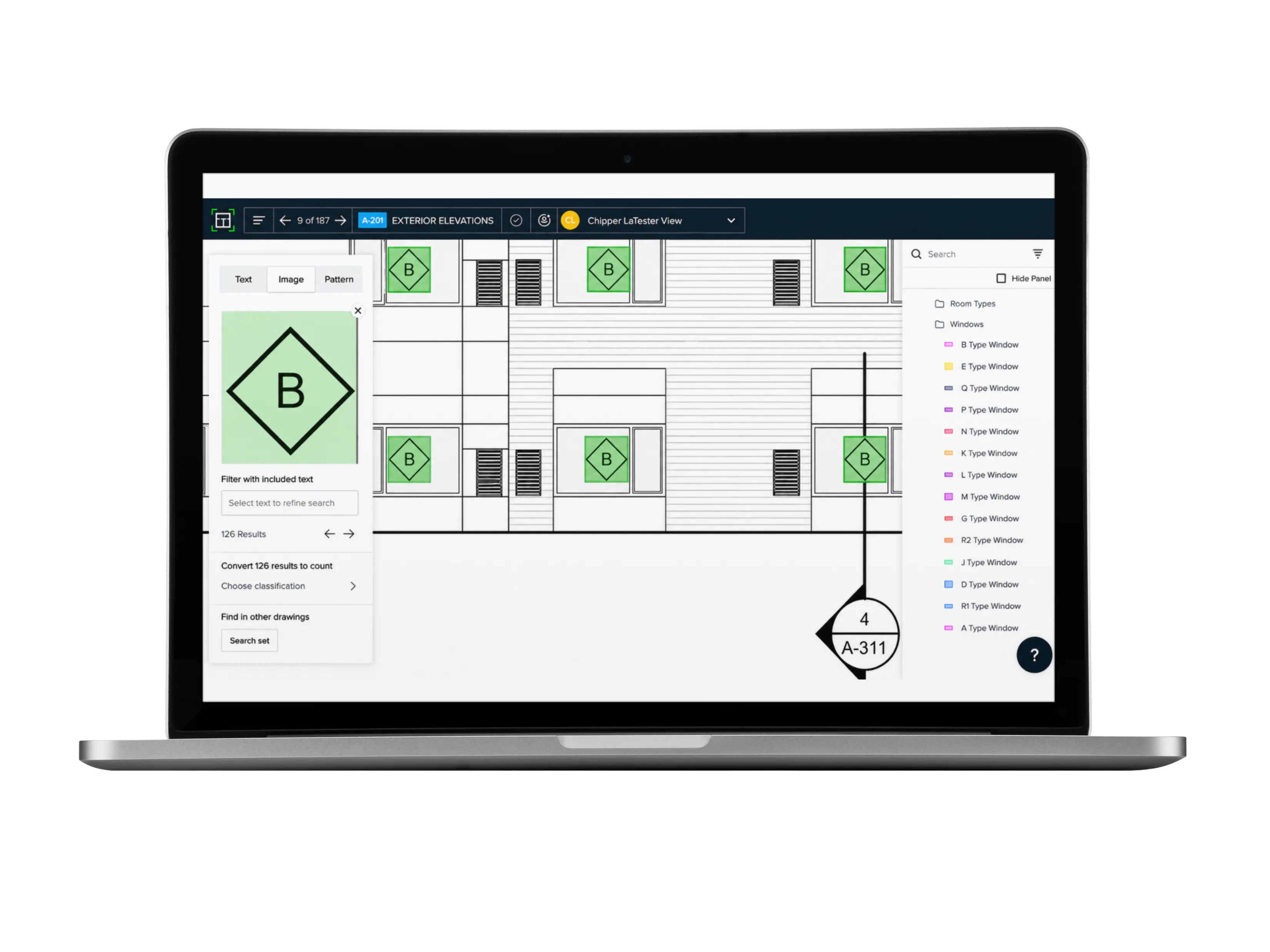
AI Plan Search
Search an entire plan set the way you search a document. Find text, a fixture, or even a visual pattern; simply draw a box around what you’re looking for, and Togal finds every instance across every sheet.
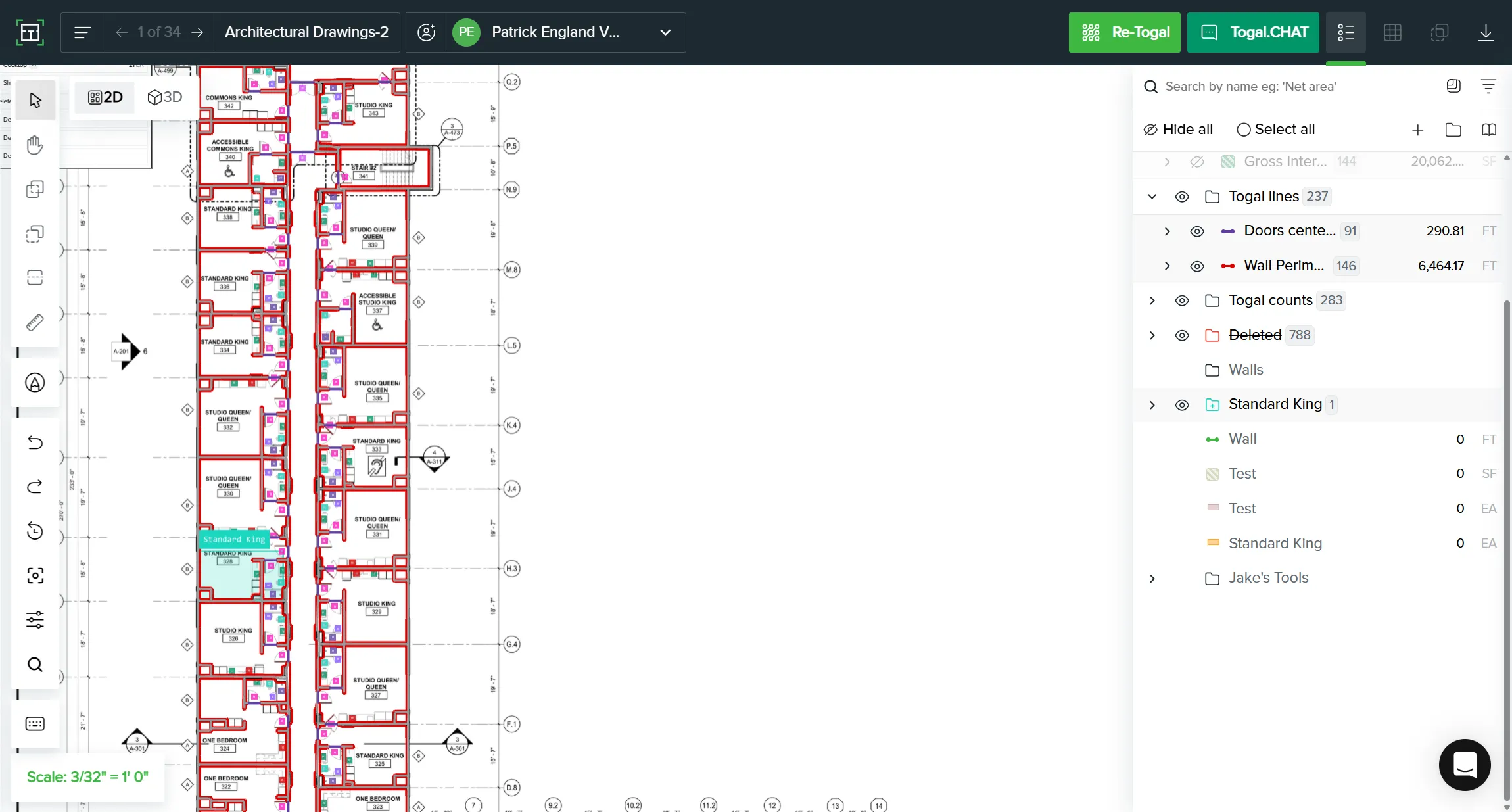
Repeating Groups
Name a classification once and apply it everywhere. Tag every junior suite, assign the spec, and Togal carries it across all instances at once, cutting the repetitive work out of an area takeoff.
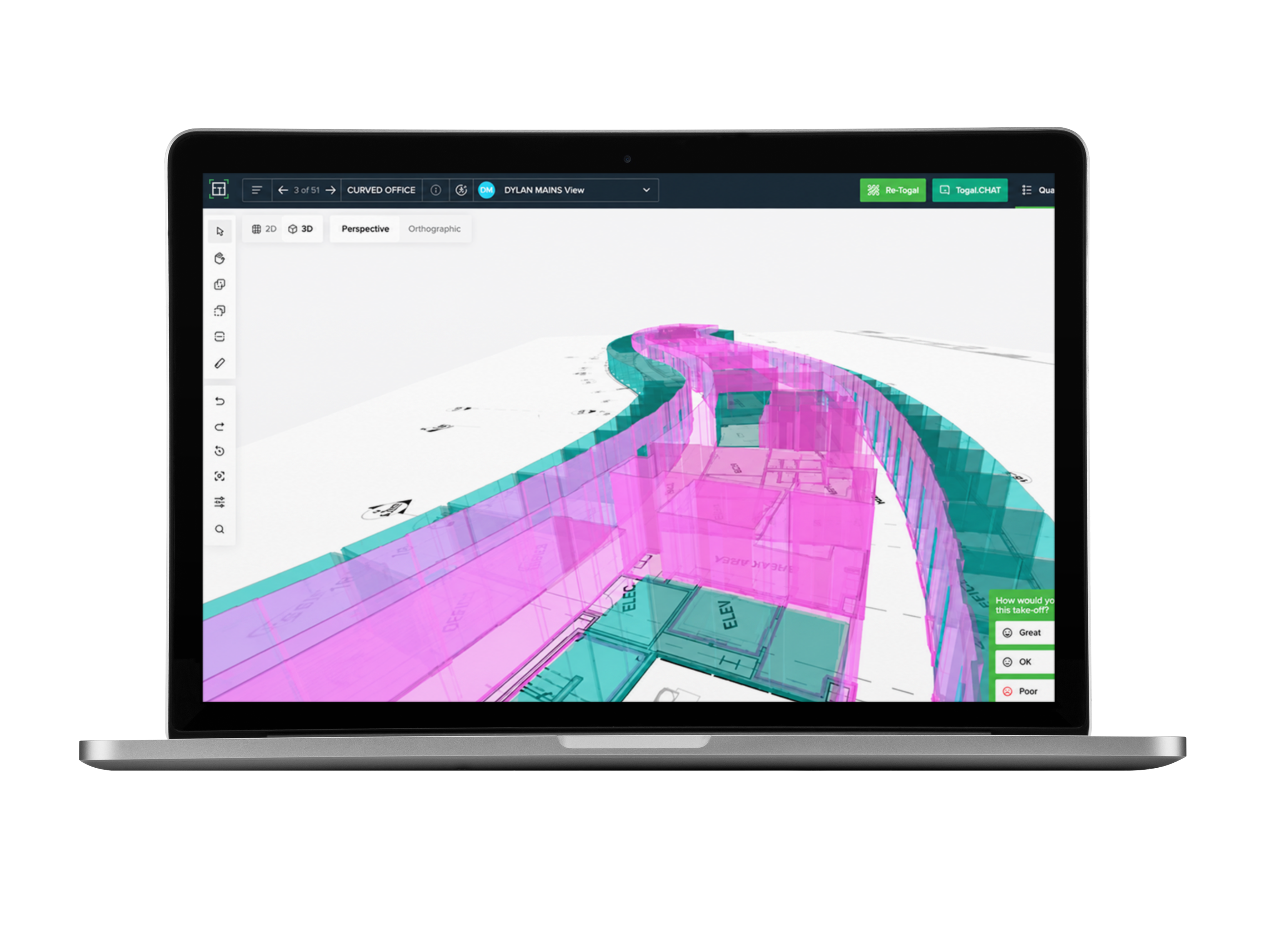
3D Visualization
Check heights before you bid. Drywall, framing, and paint quantities depend on wall height, so visualize your takeoff in 3D to catch errors before they happen.
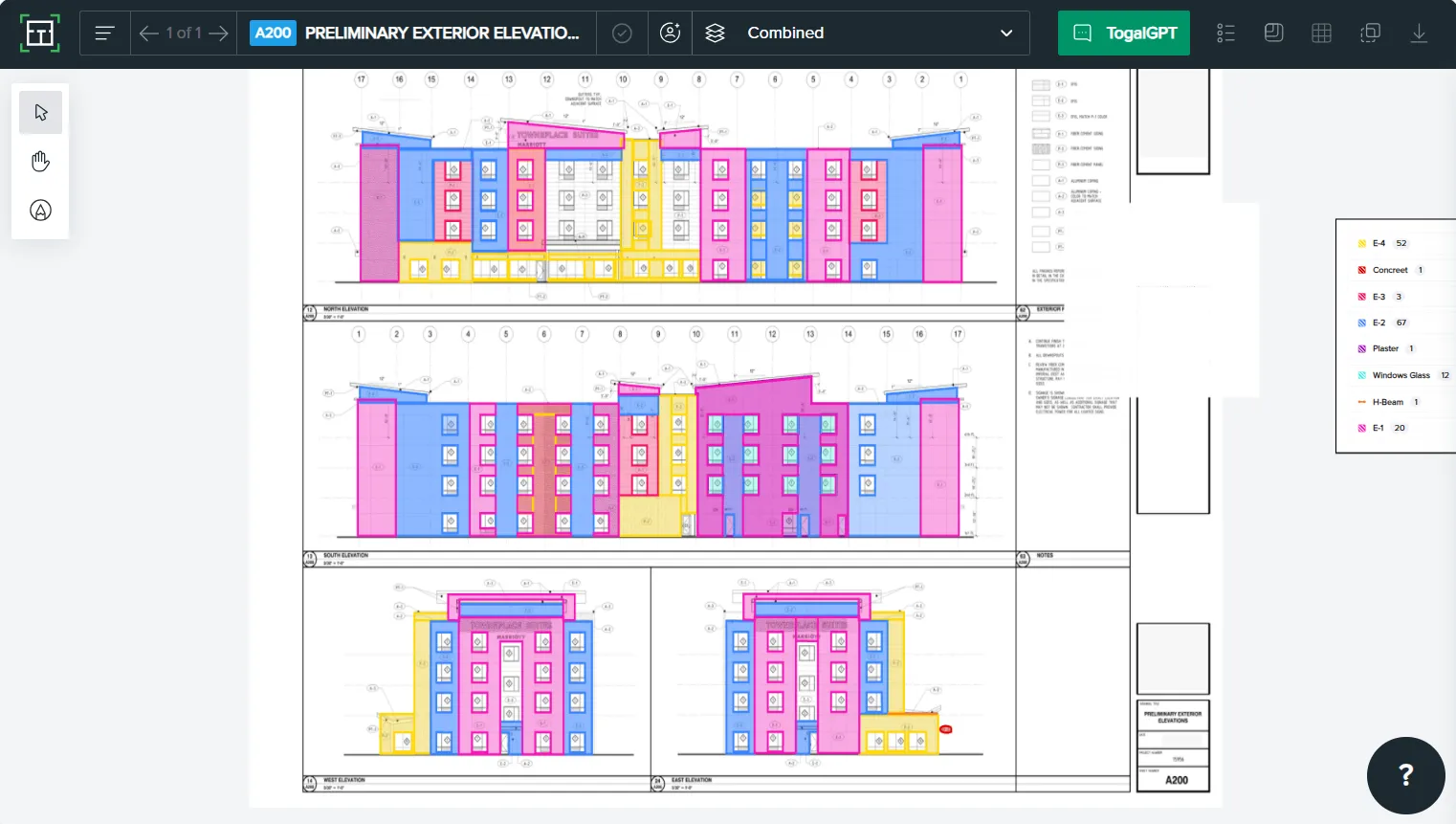
Combined View
Overlay specialty trades on one screen (drywall, framing, and the paint that covers both) and toggle each layer on or off.
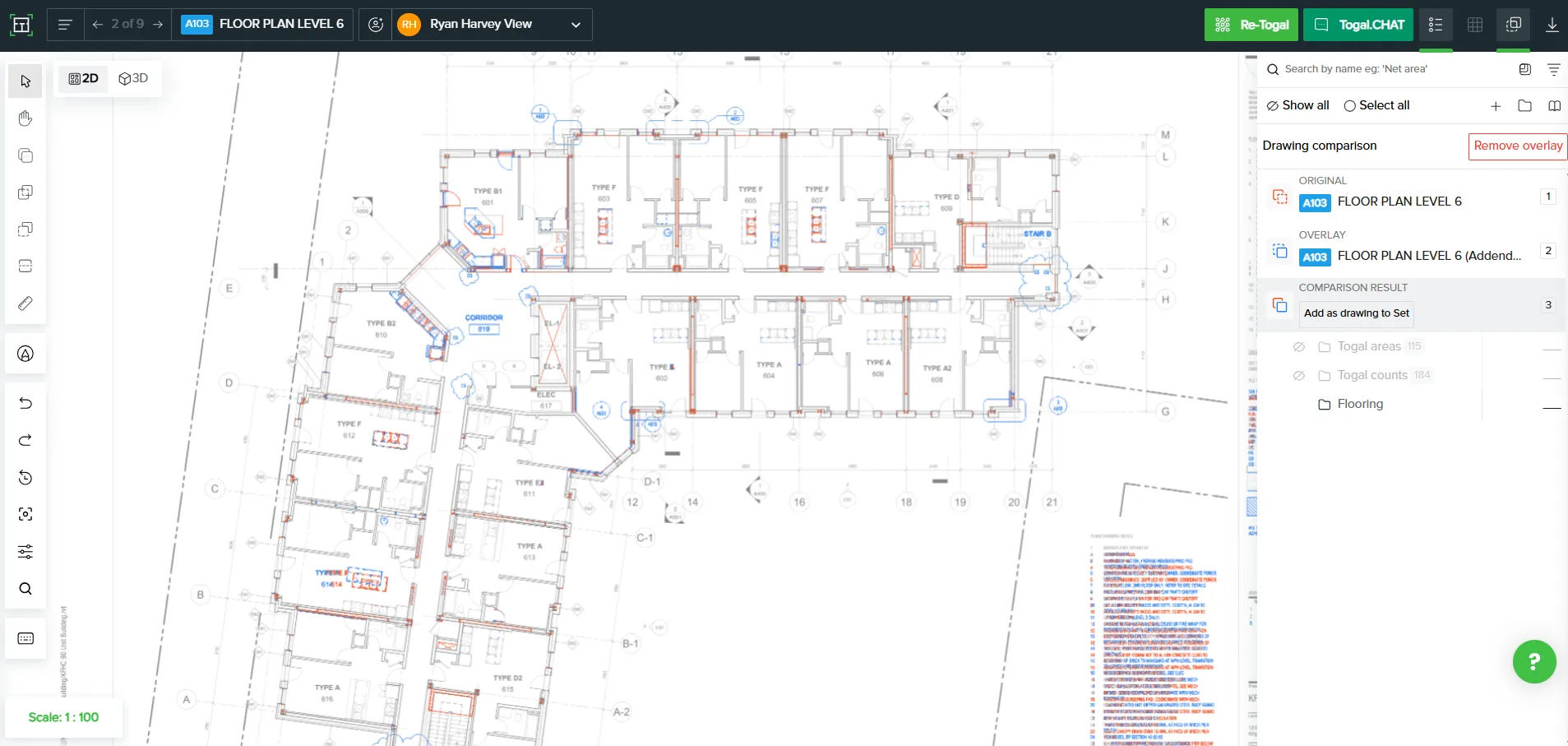
Drawing Comparison
Load a revised set, and Togal tracks what changed. No more side-by-side sheet flipping to find the addendum. No confusing phone calls or version control headaches.
Fast, AI-assisted takeoffs give estimators more time to review quantities, think strategically, and ultimately win more work.
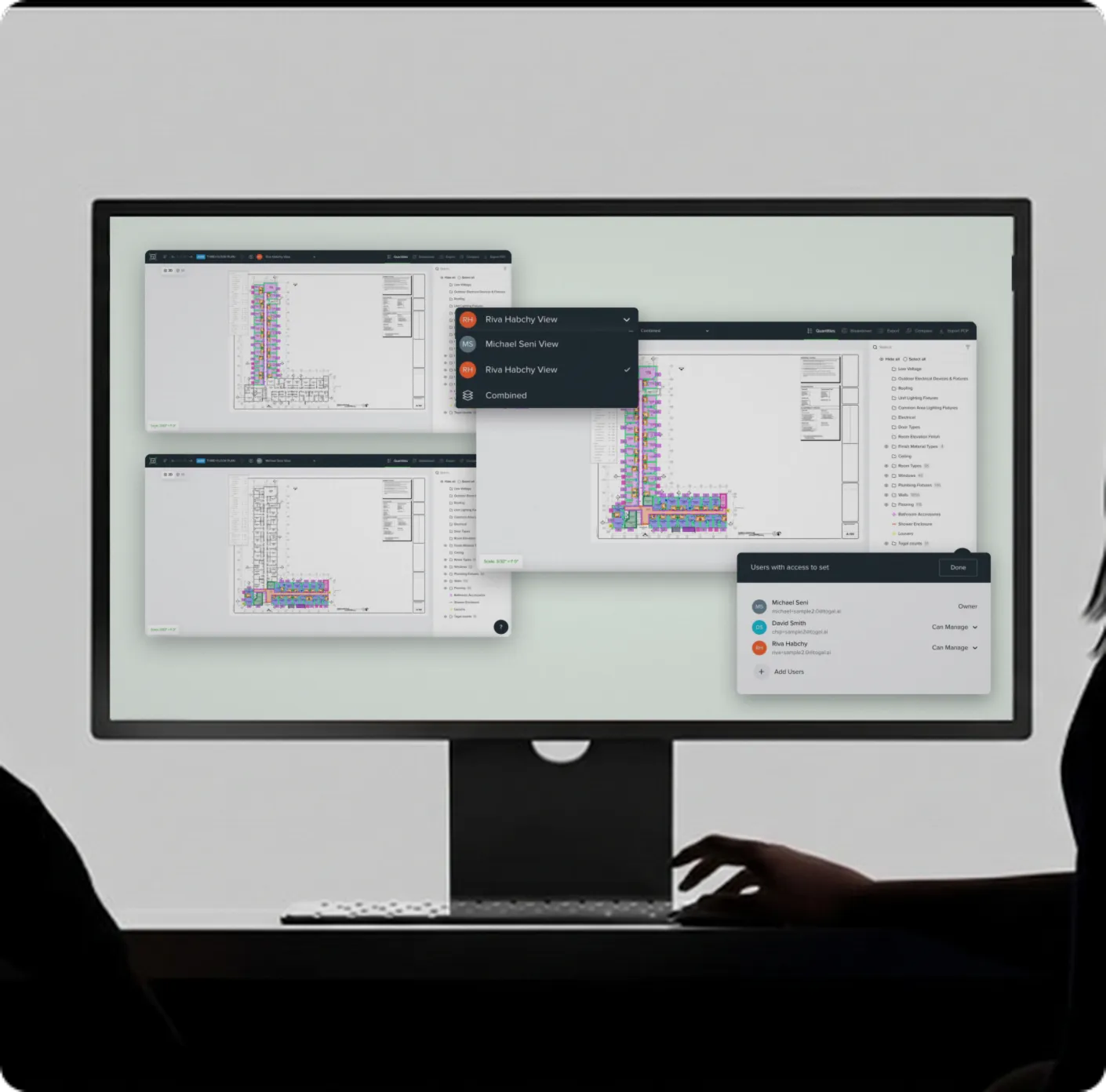
Collaborate on the same plans, in real time
Real-time collaboration puts every estimator, in every office, on one live takeoff. Togal is cloud-based with document management built in, and you control who inside or outside your construction business can view, edit, or comment.
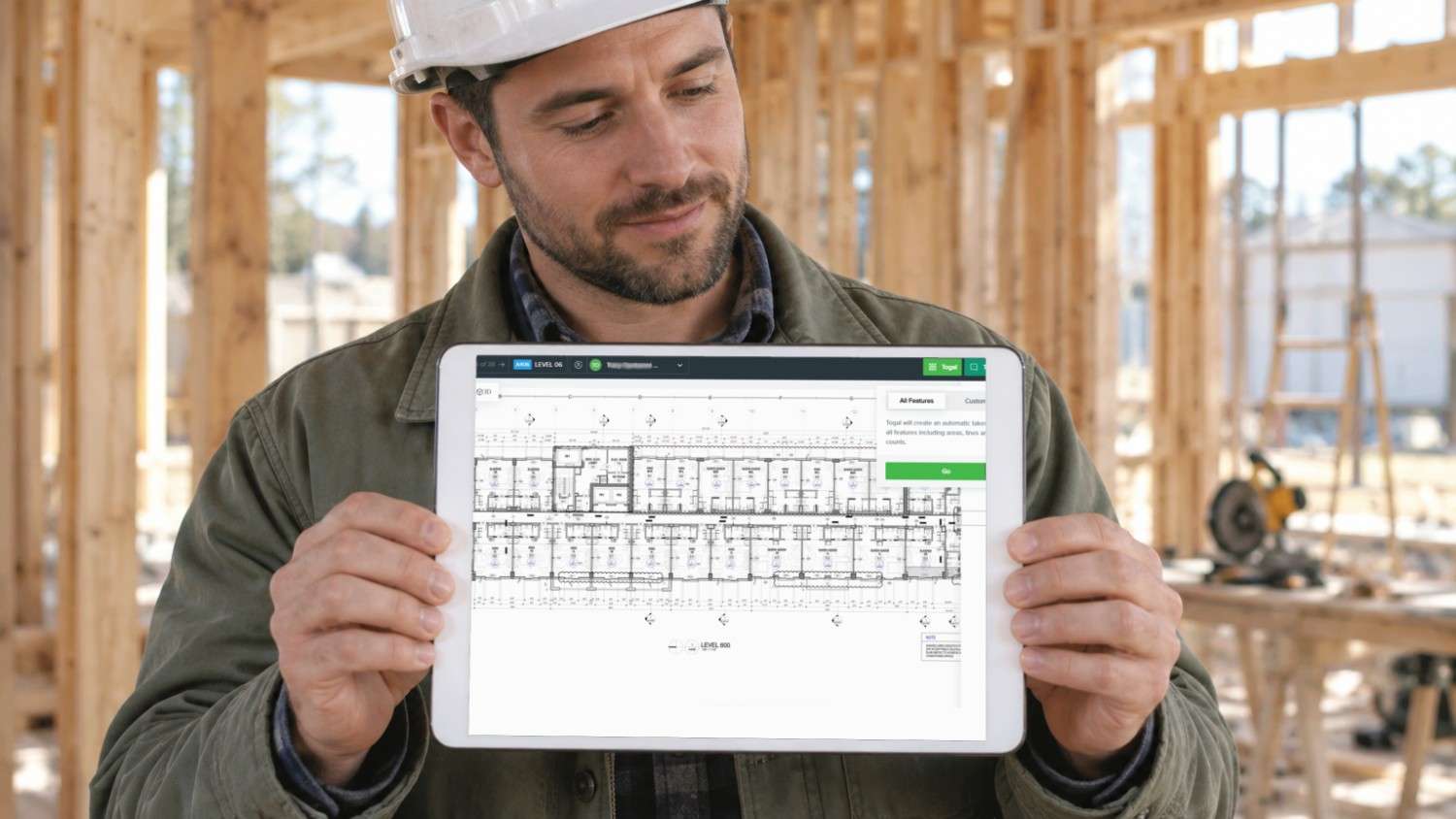
Easy to learn & use
Togal Academy’s self-paced courses, including trade-specific tracks, shorten the learning curve for new estimators. When a question comes up mid-bid, our support team’s median first response is 4 minutes.
Seamless Integrations
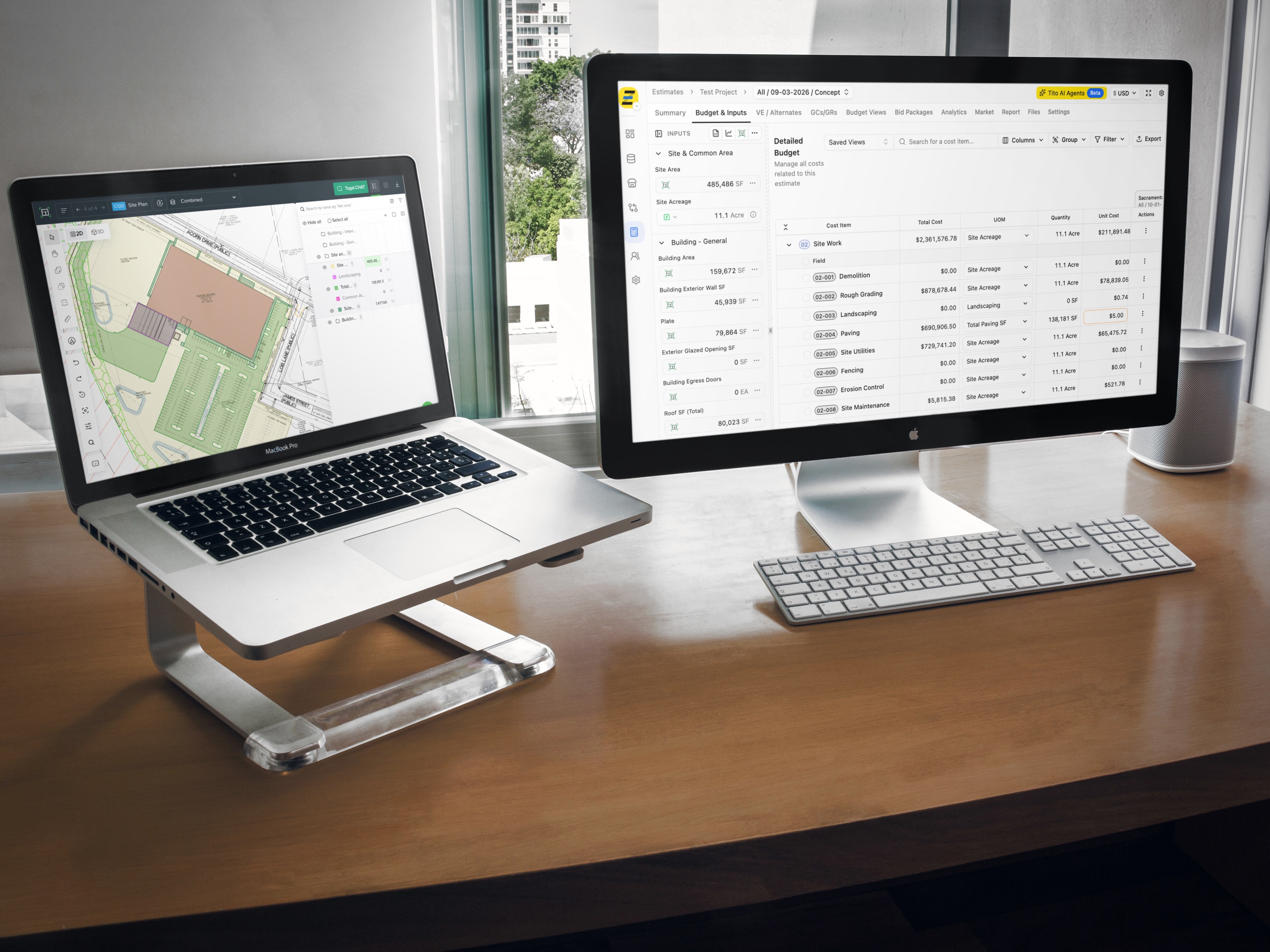
Send takeoff data straight to the estimating software you already use. Togal integrates with Ediphi, ServiceTitan, and Zebel, and every takeoff exports to Excel already organized, filtered, and grouped.

Security your IT team can sign off on
Togal is proud to be SOC 2 Type II compliant - meaning our systems are independently audited to verify we consistently meet the highest security and compliance standards. This means your drawings, bid documents, pricing data, and workflows are protected by rigorous security controls.

Your estimators review, AI does the measuring
Togal’s AI-native takeoff is trained on five years of construction documents. It handles the repetitive measuring and counting across your whole plan set, so estimators spend their time reviewing quantities and pricing the job.

Sanity-check every takeoff before it goes out
Every takeoff comes out in a standardized format your team can review quickly. Compare drawing revisions, check wall heights in 3D, and overlay trades to confirm quantities before the bid goes out.
Trade-Specific Construction Takeoffs, All in One Workflow

General Contractors
Run every trade through one model and see the whole scope before a single package goes out to bid.
Measure spaces, features, and counts across a full plan set in one pass
Overlay multiple trades on one screen and toggle each layer on or off
Keep projects moving with real-time collaboration across every office
Painting
Wall, ceiling, and trim quantities separated by surface, straight off the drawings.
Pull paintable square footage by room and surface type
Check wall heights in 3D before you price the second coat
Find a repeated finish condition everywhere it appears in the set
Drywall
Wall lengths and heights plus the assembly behind them, not just a linear measurement.
Build Assemblies that return the full wall makeup, not a single number
Separate rated, non-rated, and partition walls as you classify
Catch height changes in 3D that a flat plan view hides
Framing
Load-bearing and partition walls measured with the openings that break them up.
Measure wall runs and openings across the full set in one pass
Verify heights and elevations in the 3D view
Classify wall types once and apply across every instance
Flooring
Room-by-room square footage with material breaks caught at the boundary.
Measure floor areas by room and by finish type
Draw a box around one tile pattern and find every instance across the set
Apply a finish spec to every matching room at once
Glass, Glazing & Windows
Storefront, curtain wall, and window openings measured off the elevations where the real dimensions live.
Measure glazed openings from elevations and plan views
Count window units across the set without clicking each one
Locate a glazing type or window mark everywhere it appears
Doors & Hardware
Every opening counted and typed against the door schedule.
Count door openings across the full set in one pass
Classify by door type once and carry it through every instance
Search the set for a specific door mark and see all hits
Electrical
Fixture and device counts pulled from the plans instead of tallied by hand.
Find one fixture type and Togal locates every instance across the set
Count devices and fixtures by classification
Compare drawing revisions and quantify added or removed items
See what our customers say.

Indispensable From the First Day
Togal has proved indispensable to our estimating team on every project. We are a small but hectic department - having Togal is like having a team of support staff on every job.
Derek Hickam
Head of Estimating, SR Construction Services

Awesome Customer Service
Awesome training session this morning with Michael Seni. Called on short notice with a project I needed assistance with. He was kind enough to get me moving in the right direction! I really appreciate the awesome customer service!
Mark Bryant
President, Floortex Integrated, LLC

You're taking off probably hours of takeoff in a matter of five minutes.
Joseph Franklin
Pre-Construction Manager, T. A. Loving Company

We're getting the same amount of estimates done as general contractors in the area with much larger teams — with half the manpower.
Evan Lopes
Estimating Engineer, Stevens Construction

We closed a $311,000 job using this software. The investment is a drop in the bucket. We gladly pay it every time we get the bill.
Brisa Renteria
Owner, Improve Floors & Design
Recognized Across Construction Technology
Awarded and recognized across the construction industry for putting AI-powered tools to work on the problem estimators actually have.




Construction Takeoff Software FAQs
Want to see how much faster your takeoffs can be?
Built by construction pros, not “tech bros”.